
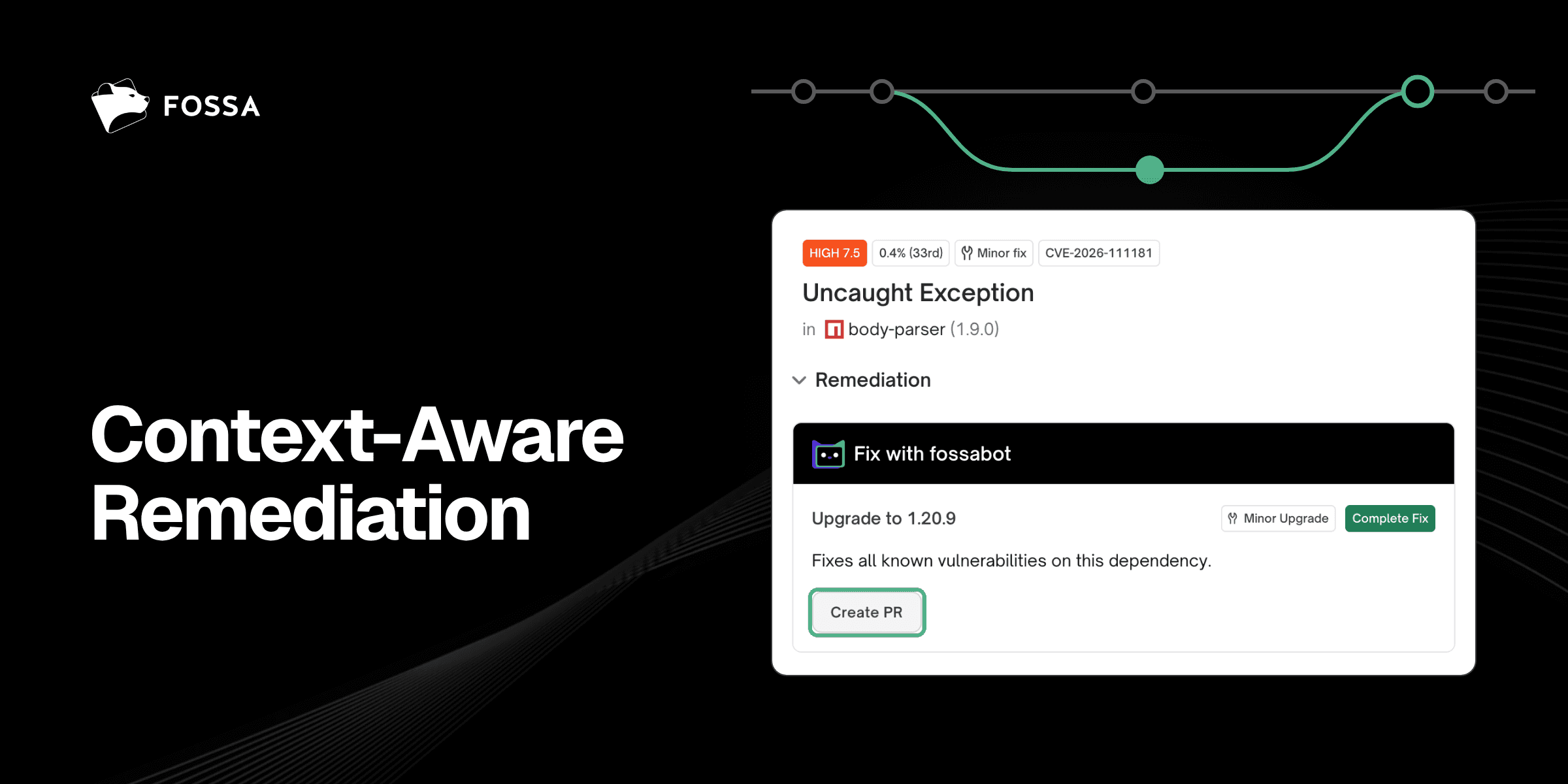
Automated pull requests for dependency fixes are not new… but they also often lack utility because they don’t analyze your code or do your impact research for you. The reality is that understanding and preventing an upgrade from breaking your app is what moves the needle. FOSSA's new Context-Aware Remediation does all of this out-of-the-box.
Other tools’ auto-PRs make sense in theory. However, our experience talking to practitioners who have used them suggests they often don’t work in practice. Rather, these auto-PRs tend to pile up unmerged, because too many of them break the build (often suggesting large version bumps with unintended consequences), change an interface the application depends on, or arrive in a volume no team can realistically review.
In other words, the net effect of auto-PRs has been to add more work for engineering teams rather than actually increase remediation velocity.
That’s why we took a different approach to help our customers reduce their vulnerability backlogs. FOSSA's new Context-Aware Remediation (built on top of the fossabot dependency upgrade engine) analyzes how the proposed change will affect your application, flags the breaking changes it finds, and gives you a ready-made path to fix them. This results in more accepted PRs, less wasted engineering team, and significantly reduced mean time to remediation (MTTR).
Problems with Legacy Auto-PRs
Most auto-PR tools currently on the market work in a similar manner. They detect an outdated or vulnerable package, pick a newer version, rewrite the manifest, and open a pull request. What they generally don't do is look at how your code actually uses that package. That gap shows up in several ways.
- "Safe" version bumps aren't always safe
Semantic versioning promises that minor and patch releases are safe. A study of the npm ecosystem found that about 12% of dependent packages broke while taking non-major updates, and 44% of the breaking changes behind those failures shipped in minor or patch releases. The study covered dependency updates broadly, not bot PRs, but the lesson carries over: an auto-PR tool that treats a small version bump as low-risk, without checking how your code uses the package, can't distinguish between routine upgrades and build-breaking ones.
- It creates significant noise
Because naive auto-PRs are cheap to generate, they arrive in bulk, one PR per package, often superseded days later by another. This, as you might expect, leads to significant complaints from engineers. Dependabot's own issue tracker has a dedicated "noise" label for requests to make it quieter, and it’s not uncommon to see engineers question whether auto-PRs cause more trouble than it’s worth.
- Low trust leads to low adoption
A major consequence of the issues with noise and breaking changes is that developers don’t actually trust the suggested PR. A study of 502,752 Dependabot PRs and 131 developers found that developers tend to configure Dependabot to reduce notifications, that its compatibility scores were too scarce to reduce update suspicion, and that 11.3% of projects had deprecated it. The same study found developers quickly merge PRs they consider safe and handle the rest manually, which means the hard upgrades, the ones teams most need help with, are exactly the ones the bot doesn't finish.
Ultimately, all of these issues boil down to the fact that legacy auto-PR tools don’t consider enough context to be trusted.
How FOSSA's Context-Aware Remediation Works
The starting point for Context-Aware Remediation is FOSSA’s analysis of your application’s real, identified security issues. From there, instead of only searching for the newest version of a dependency, FOSSA considers what a proposed change would do to your application. Here's what that looks like in practice.
- When you view a security issue in FOSSA, you’ll see a section titled “Fix with fossabot” that includes the ability to create a PR. This begins the Context-Aware Remediation workflow.
- Once a PR is open, FOSSA runs an application impact analysis, drawing on your test suites, interfaces, and CI signals to see how the upgrade touches your code. It explains its reasoning in a PR comment, including what it checked.
- It fixes what breaks. If the upgrade does introduce a breaking change, fossabot doesn't leave you with a red build and a changelog. Comment
@fossabot fixon the Version Control System and FOSSA generates a fix prompt, uses your CI failure output to guide the change, and can commit the correction directly to the PR branch.
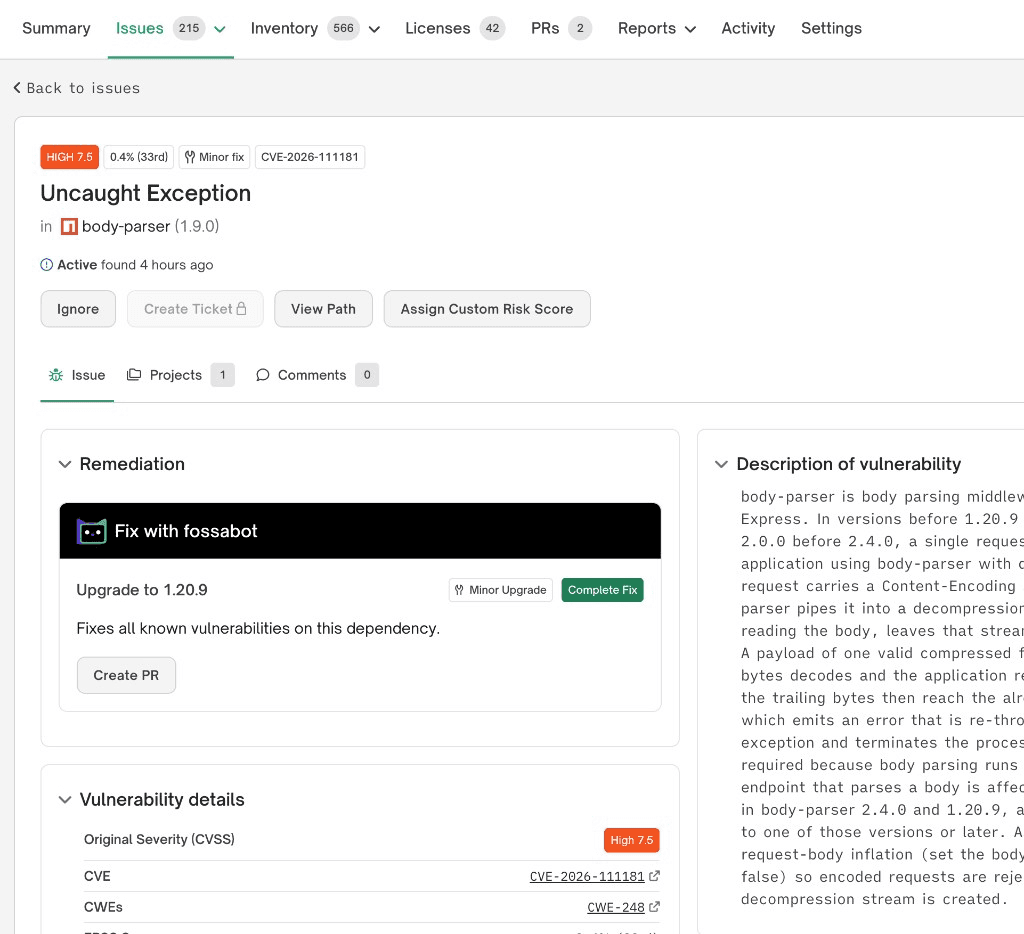
Notably, Context-Aware Remediation can run alongside your existing tools, so there’s no need to rip out Dependabot, Renovate, or Snyk. When FOSSA sees a PR from any of them, it runs the same breaking-change analysis on that upgrade. Your existing auto-PRs become context-aware too.
Getting Started with Context-Aware Remediation
Context Aware Remediation requires a subscription to fossabot (which is an add-on to the core FOSSA platform), but we have granted free usage credits to our customers who are interested in trying the feature out. Context-Aware Remediation is currently available for Quick Import from GitHub projects across all ecosystems supported within fossabot (JS/TS, Python, Java, plus more soon).
You can get set up to use Context-Aware Remediation by doing the following:
- Connect fossabot to your repositories. Follow the Quick Import process or setup guide to install fossabot on your GitHub repos.
- A good CI signal makes it better. fossabot pairs its impact analysis with your tests. Be sure to allow access to registry secrets and allow your jobs to run when fossabot is the author (see other CI tips)
- Create a PR for an issue. Click the “Create PR” button on a security issue to remediate with fossabot.
Want to automate this process for your engineers? Optionally schedule your fixes, instead of needing a “click”.
Already a FOSSA customer? Reach out to your customer success contact for more details about Context-Aware Remediation and take advantage of your complimentary usage credits. New to FOSSA? Request a demo, and our team will show you how they work.